September 2, 2010
Using Custom Post Types
Custom post types let you create logical divisions of content and context-specific meta information boxes. If your site features content other than posts and pages, use this to manage it.
As I build WordPress websites for my clients, I share what I learn here as tutorials.
September 2, 2010
Custom post types let you create logical divisions of content and context-specific meta information boxes. If your site features content other than posts and pages, use this to manage it.
August 30, 2010
If you have a lot of categories, here’s how to add a “nofollow” to them to prevent diluting your Google PageRank.
August 8, 2010
My presentation from WordCamp Houston. I outline 5 useful tools for extending WordPress beyond blogs: Frameworks, Custom Post Types, Custom Taxonomies, Additional Sidebars, and Multiple Content Areas.
August 6, 2010
This tip is for all themes that support WordPress’ Post Thumbnails (also known as Featured Images). If you’re using Thesis, this does not apply to you since Thesis uses its…
May 31, 2010
Create eye-catching, full-width menus for your Thesis site.
May 17, 2010
This shows you how to stick code between certain posts, but not all of them. It’s very useful for including ads or other content you don’t want repeated.
May 15, 2010
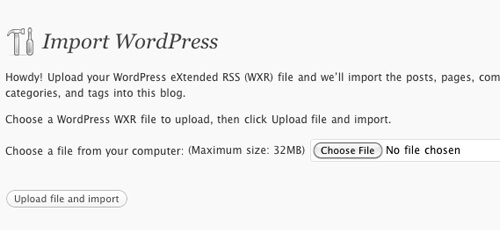
Here’s how you quickly move a WordPress website from one server to another, without losing any content or settings. This is what I do when I’ve built a client’s site on my development server and it’s time to launch.
April 12, 2010
Here’s how to create a list of posts that doesn’t interfere with The Loop (what generates the content on your WordPress site).
April 3, 2010
If you change a page’s name and URL, you’ll want to use this technique to make sure visitors to the old URL are redirected to the new one.
March 9, 2010
Here’s an overview on how to build an extremely custom Author Page for Thesis.
March 5, 2010
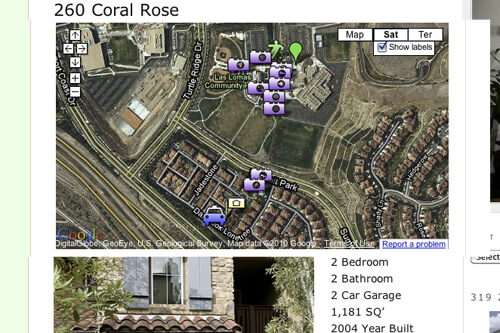
Use the Google Maps API to dynamically create maps in your blog posts or pages.
March 2, 2010
If you’ve ever tried moving a large blog or uploading large images, you’ve run into the Upload Filesize Limit. This walks you through increasing it for BlueHost (and can be applied to other hosts).
February 25, 2010
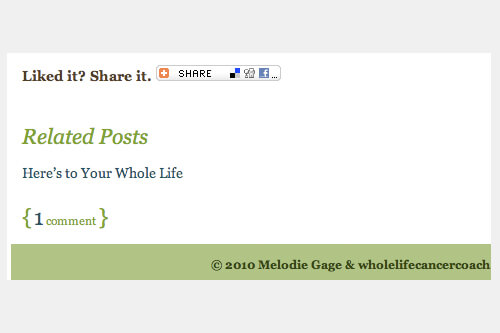
Here’s a quick tip on how to add Related Posts (or anything else) at the end of a post but before the comments link.
February 25, 2010
I’ll show you how to display an author’s gravatar next to post titles, and customize the default Gravatar for commenters who don’t have one already.
February 21, 2010
This is how you can add custom introductory text or images to the top of category pages.