October 18, 2010
Using Taxonomies
Taxonomies allow you to organize content in different ways. I’ll walk you through creating and implementing custom taxonomies, as well as show you how I used taxonomies for my personal portfolio.
October 18, 2010
Taxonomies allow you to organize content in different ways. I’ll walk you through creating and implementing custom taxonomies, as well as show you how I used taxonomies for my personal portfolio.
October 12, 2010
Shortcodes are a great tool if you need to stick code or reusable pieces of content inside your posts or pages.
September 18, 2010
WordPress has a “Featured Image” option which is much easier to use than Thesis’ Post Image tool. I’ll walk you through setting it up on your Thesis website.
September 7, 2010
Want more control over what shows up before or after your navigation? This shows you how to extend Genesis’ Primary Navigation Extras using filters.
September 2, 2010
Custom post types let you create logical divisions of content and context-specific meta information boxes. If your site features content other than posts and pages, use this to manage it.
August 30, 2010
If you have a lot of categories, here’s how to add a “nofollow” to them to prevent diluting your Google PageRank.
May 17, 2010
This shows you how to stick code between certain posts, but not all of them. It’s very useful for including ads or other content you don’t want repeated.
April 12, 2010
Here’s how to create a list of posts that doesn’t interfere with The Loop (what generates the content on your WordPress site).
February 25, 2010
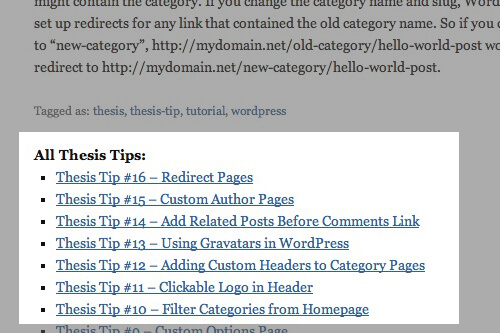
I’ll show you how to display an author’s gravatar next to post titles, and customize the default Gravatar for commenters who don’t have one already.
December 21, 2009
Only want the posts from certain categories to show up on your homepage? This quick tip will show you how.
December 10, 2009
At the bottom of your posts is a link to the previous and next post. This quick tip will show you how to change that.
November 25, 2009
You’ll often want to write styles specifically for the home page, category pages, or some other type of page not covered by the default thesis classes. This quick tip will help you add classes to the body tag.
August 26, 2009
This is a very elegant solution to the problem of having multiple content areas on a single page. It uses headlines to identify the different blocks of content.